
GroNATIVE1.2 - App Store
You'll be able to see results in few seconds.
Publisher Description
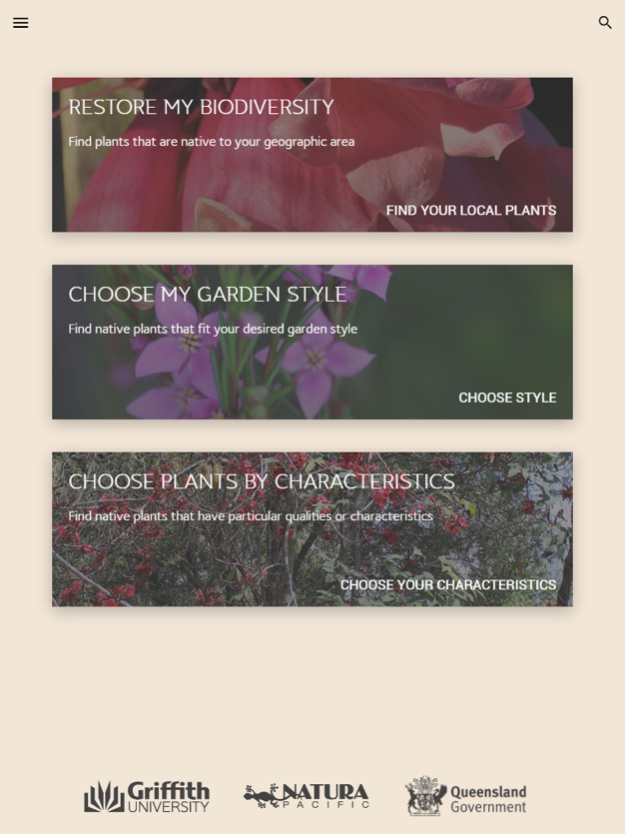


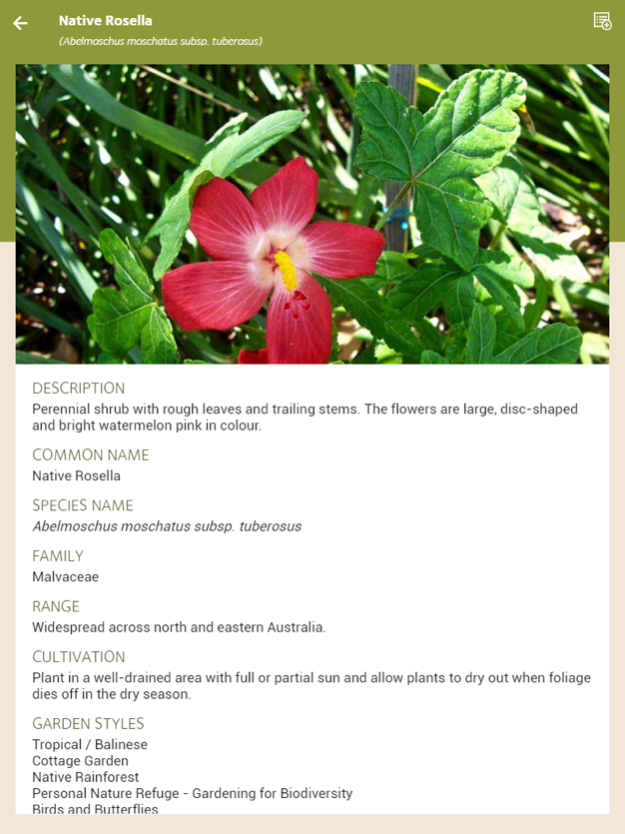
GroNATIVE is a joint initiative between the Queensland Government (funding), Natura Pacific (content development and photography) and Griffith University (Product Design, Development, and Implementation)
GroNATIVE will promote the use of native plant species in gardens and urban landscapes and show people how species can easily replace garden plants that often become weeds. It will allow users to select distinct gardening styles and looks and how to match this using native planting palettes. This will essentially reduce the costs of managing local ecosystems by stemming the flow of exotic plants into neighbouring vegetation and therefore reduce the need for remediation efforts.
It will also reduce impacts on the ecosystem, maintain environmental health and even allow gardens and urban landscapes to function as significant 'green corridors' that help retain local biodiversity. In the face of changing climate, reversion to native-dominant gardens is a sustainable initiative and will keep places looking beautiful in times of adversity.
May 25, 2017
Version 1.2
This app has been updated by Apple to display the Apple Watch app icon.
- Upgraded text search to both common and scientific name
- Reorder growth form tabs on the Plant list screen
- Updated Restore my Biodiversity screen
- General bugfixes.
About GroNATIVE
The company that develops GroNATIVE is Griffith University. The latest version released by its developer is 1.2.
To install GroNATIVE on your iOS device, just click the green Continue To App button above to start the installation process. The app is listed on our website since 2017-05-25 and was downloaded 0 times. We have already checked if the download link is safe, however for your own protection we recommend that you scan the downloaded app with your antivirus. Your antivirus may detect the GroNATIVE as malware if the download link is broken.
How to install GroNATIVE on your iOS device:
- Click on the Continue To App button on our website. This will redirect you to the App Store.
- Once the GroNATIVE is shown in the iTunes listing of your iOS device, you can start its download and installation. Tap on the GET button to the right of the app to start downloading it.
- If you are not logged-in the iOS appstore app, you'll be prompted for your your Apple ID and/or password.
- After GroNATIVE is downloaded, you'll see an INSTALL button to the right. Tap on it to start the actual installation of the iOS app.
- Once installation is finished you can tap on the OPEN button to start it. Its icon will also be added to your device home screen.
Program Details
System requirements
Download information
Pricing
Version History
version 1.2
posted on 2017-05-25
May 25, 2017
Version 1.2
This app has been updated by Apple to display the Apple Watch app icon.
- Upgraded text search to both common and scientific name
- Reorder growth form tabs on the Plant list screen
- Updated Restore my Biodiversity screen
- General bugfixes.
Disclaimer
Official App Store Link
We do not host GroNATIVE on our servers. We did not scan it for viruses, adware, spyware or other type of malware. This app is hosted by Apple and passed their terms and conditions to be listed there. We recommend caution when installing it.
The App Store link for GroNATIVE is provided to you by apps112.com without any warranties, representations or guarantees of any kind, so access it at your own risk.
If you have questions regarding this particular app contact the publisher directly. For questions about the functionalities of apps112.com contact us.
